
Walk-in guest
Sees where seating is available

See available, occupied, and attention tables without walking the room. Built for owners who run busy floors, not another POS.
Marlowe’s floor chart
Bill · 00:36
Synthetic demo venue. Table states are live on this chart.
Five beats, one story: the problem, the live floor, guest proof, positioning beside POS, and the demo close. Scroll or jump — each beat links to the section below.
On a sales call, walk here
Availability lives in someone’s head, or in a walk between the patio and the main floor.
Waving across a busy section is slow for the guest and noisy for the floor.
Bar, dining, and outdoor seating become separate pictures of the same service.
You can feel a tough Saturday. It is harder to see where attention actually went.
Seatd connects the people who need to know what is happening, without asking guests to join another app.
Sees where seating is available
Asks for help from the table
Works from a live floor
Configures the venue and stays visible
Map floors, zones, and table QR actions to match how you run service.
Handheld live floor with table status and guest requests in one view.
Entrance board showing availability across dining, patio, bar, and lounge.
Browser table QR — no download, account, or loyalty signup required.
Give staff a live visual view of which tables are available, occupied, or need attention across every service area. Less walking around just to find out what is happening.
Live floor
Marlowe's/Main floor
3 available, 4 occupied, 1 attention
The entrance display shows where seating is available, including patio and bar, without sending the host on a tour.
The waiter sees which tables are occupied and where attention is needed, from a handheld live floor.
The guest scans the table QR, requests the bill, and staff see Table 14 waiting.
You do not replace the POS to see the floor. Map the room, give the team access, put QR codes on tables, and run service from one view.
Create floors and tables that match the physical venue.
Staff use the live floor during service.
Guests request help without installing anything.
Table activity and guest requests stay visible in one place.
Guests request help in seconds from the table QR. Staff see where attention is needed. Guests do not download an app, create an account, enter an email, or join a loyalty programme just to ask for assistance.
How can we help?
Call waiterRequest billRequest waterRequest serviceWaiter view
Request: Bill
The request is waiting. Staff see exactly which table needs attention.
See table status across every area of the venue from one live operational view. Built for rooms that do not fit on a single sight line.
Window and centre dining
Marlowe's/Main floor
3 available, 4 occupied, 1 attention
Less uncertainty, faster decisions, better service flow, a clearer guest experience, and a more productive floor.
Your team knows what is happening without checking every section in person.
Requests show staff exactly which table needs attention.
Front-of-house shares one operational picture across the shift.
See availability across floors, patios, bars, and lounges from one view.
High-volume rooms, multiple service areas, and teams that move between sections.
Casual dining rooms where table state changes all night.
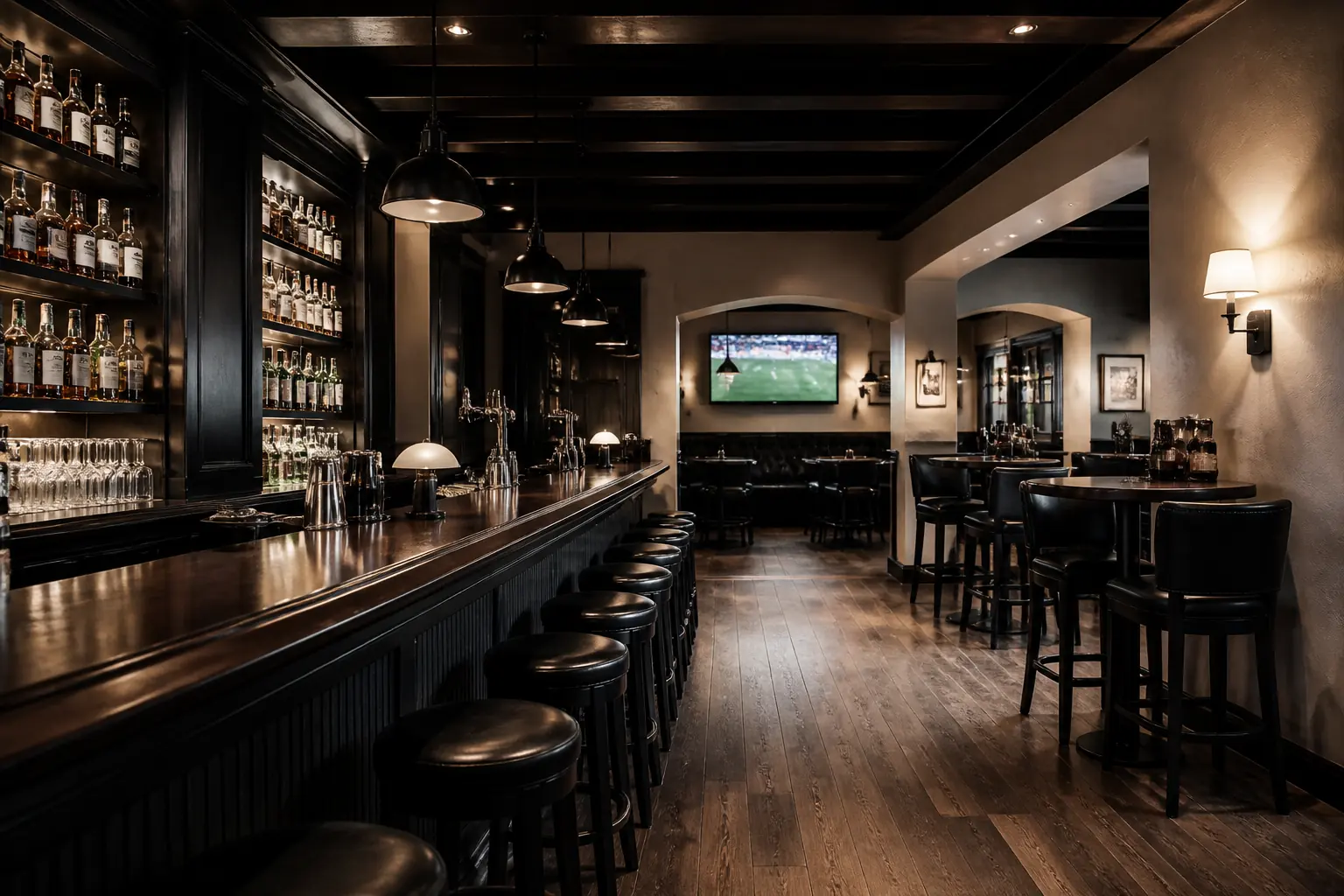
Seating and guest attention that move with the game and the bar.
Patio, deck, lounge, and upstairs seating that need the same picture.
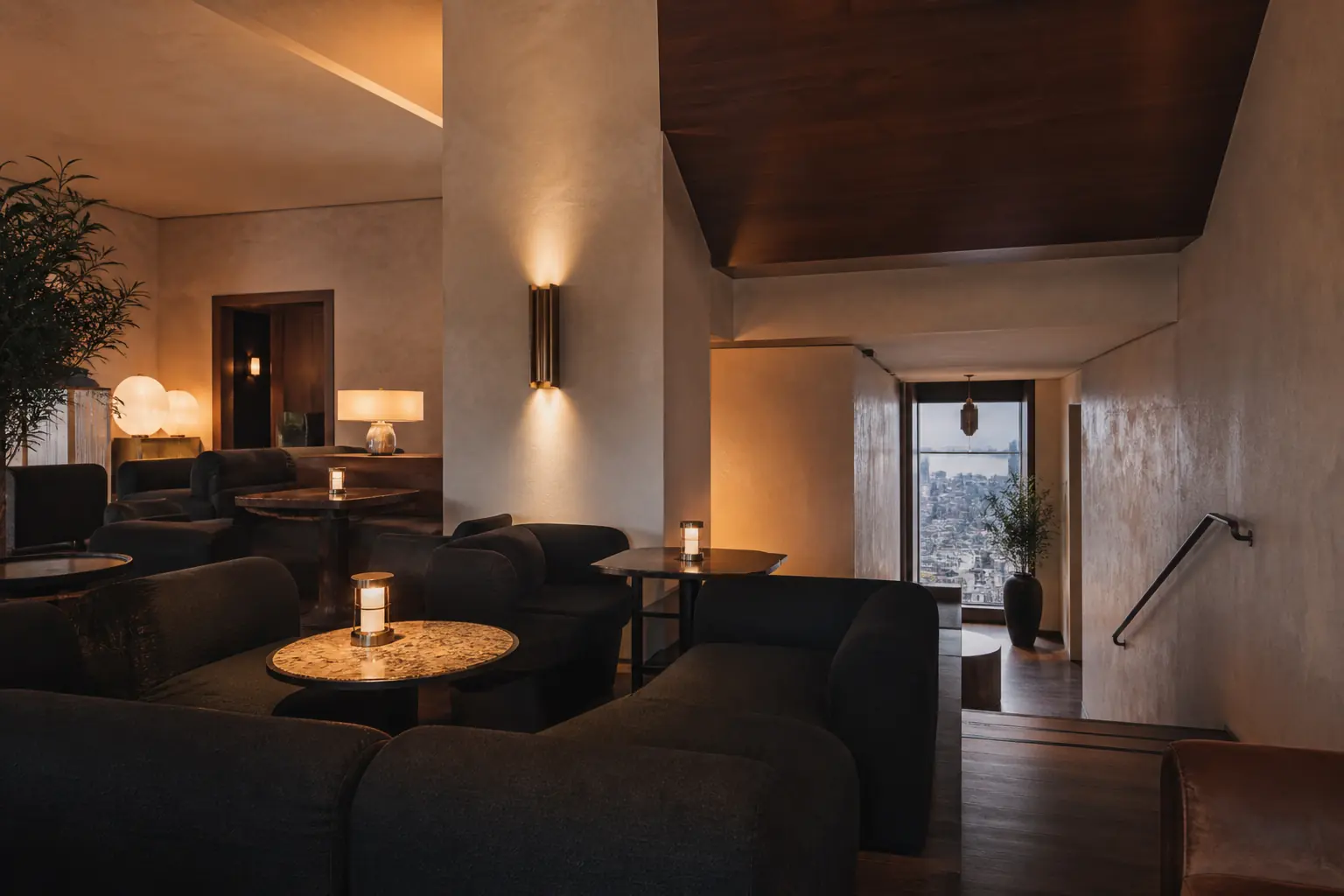
Operators who want the same floor language across more than one site.
Seatd is complementary. It does not ask you to throw out reservations or payments software.
| Capability | Manual floor | POS only | Seatd |
|---|---|---|---|
| Live visual floor status | Limited | Sometimes | Yes |
| Guest table assistance | No | Usually no | Yes |
| Public availability view | No | No | Yes |
| Multi-area awareness | Manual | Varies | Yes |
| No guest app required | n/a | n/a | Yes |
Seatd is a monthly product for a venue, not a per-seat gadget. Confirm exact pricing on the demo once we have seen how your floor is laid out.
Under 25 tables
Confirm on demo
25–50 tables
Confirm on demo
Groups and rollout
Confirm on demo
No. Seatd focuses on live restaurant-floor operations and is designed to work alongside the systems you already use. Your POS still runs orders, bills, and payments.
No. Guests scan the table QR code and request help in the browser. No download, account, email, or password.
Staff, owner, and display views need a live connection to stay in sync. If a guest phone goes offline, they can retry once they are back online. Display access uses revocable device tokens.
Yes. Owners map floors, zones, and tables to match the physical venue. Table labels, capacities, and shapes can follow how you already talk about the room.
Yes. Seatd supports multiple floors and zones, so patio, bar, lounge, and upstairs seating can share one operational picture.
Yes. When a guest sends a request, staff see the table, the action, and that it still needs attention.
Yes. Guest actions are configured per location, so the table QR can offer the requests your service style actually uses.
No. Seatd is built for live floor operations rather than booking future tables.
No. Payments stay with your POS.
Tell us about your venue. We’ll show how Seatd fits your floor, then walk through the owner, waiter, display, and guest experience.
Demo